How to choose LED display for control room is not simply a panel-shopping question. Operators may need to read a small alarm label, compare several camera feeds, and spot a change across the room—all during a demanding shift. A bright image helps, but brightness alone does not make information clear. Viewing distance, pixel pitch, glare, color consistency, redundancy, and service access all shape daily performance. One missed detail matters.
AVIXA’s 2024 Industry Outlook estimated global professional audiovisual revenue at $325 billion in 2024, with growth projected through 2029. That broad market figure does not measure control-room LED adoption specifically. It does show how much complex AV infrastructure organizations are planning and deploying. For buyers, the practical question is whether a display system can remain readable, stable, and maintainable over years of operation—not merely look impressive in a showroom.
Human-centered design expert Don Norman wrote, “Good design is actually a lot harder to notice than poor design.” That idea fits control rooms: operators should focus on decisions, not fighting the screen. In 2026, compare LED options under realistic lighting, test content from the actual control system, and check what happens when a module or signal path fails. Ask who can replace parts, and how quickly. Small details matter. Still, no specification sheet can predict every room; site testing remains essential. This guide examines the trade-offs, while admitting that a technically excellent wall can still disappoint when its layout ignores the people using it.
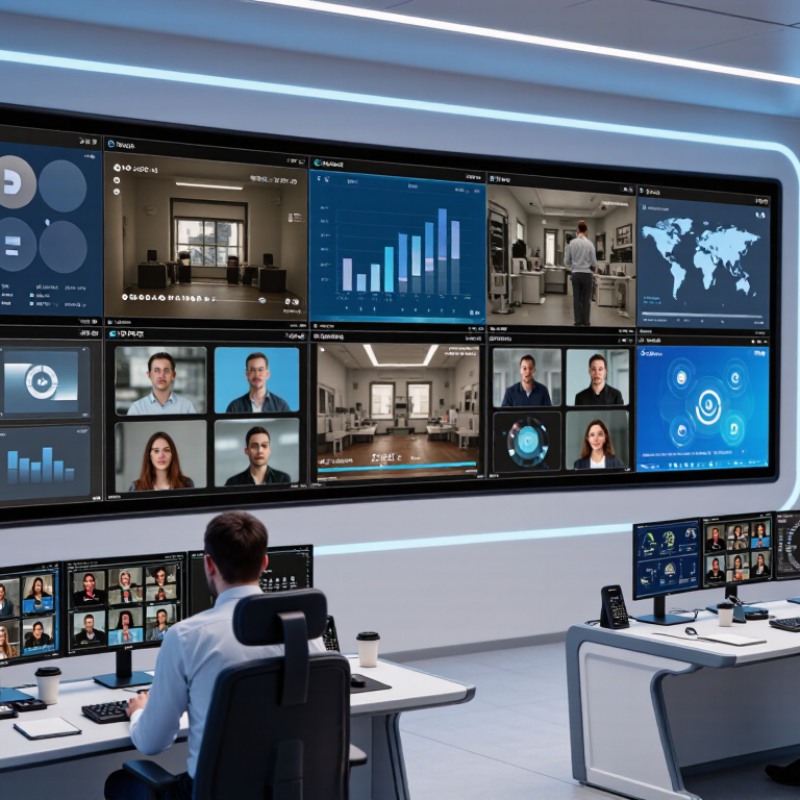
A control room display should be chosen around the decisions operators make, not just its advertised resolution. Map the sources it must show: camera feeds, dashboards, maps, alarms, and legacy video. Note the smallest text users must read and the farthest viewing position. A six-metre viewing distance calls for different pixel pitch than a console only two metres away. Measure it.
Operating conditions can change the specification. Record ambient light during day and night shifts, including reflections from windows and task lights. Check whether displays run continuously, and how much downtime the team can tolerate. For a 24-hour operation, plan for heat management, service access, and a way to keep essential information visible during maintenance. Brightness alone is not a complete answer; excessive output can tire operators.
Walk the room at shift change. Ask operators where glare appears, which panels are difficult to read, and what information they compare most often. Their answers may challenge the original layout. That is useful. Document viewing angles, available wall space, cable routes, and ventilation before selecting a display. If conditions vary by season or shift, a single observation may not be enough. Recheck measurements, and keep some room in the design for future sources or changing workflows. Teams often overlook maintenance access until a panel needs service; it is an avoidable, expensive surprise.
Measure viewing distances, wall space, cable routes, and ventilation. Note the smallest text operators must read. Measure again.
Operators sitting two metres away may need finer detail than viewers six metres away. Test real maps and text from actual seats.
No. It can show finer detail at close range, but cannot improve a low-resolution source. A costly upgrade may add little.
Direct-view LED can create a nearly seamless image. LCD walls may show panel borders, while projection needs careful attention to room light.
Check grayscale detail, consistent color, fine lines, and fast-moving feeds. Inspect dark scenes, not only bright showroom images.
Check reflections from windows and task lights during day and night shifts. Excessive brightness can tire operators. The brightest setting is not always best.
Review heat management, power protection, and module replacement time. Confirm essential information stays visible during service. No panel is flawless.
Inspect spare modules, tools, service instructions, and access around the wall. Test the display after several hours; heat can change performance. A single room visit may miss seasonal glare.
Choosing the right display for a control room begins with understanding how the room operates: what information operators need to see, how many people must view it, the ambient lighting, and whether the system will run continuously. How to choose LED display for control room depends on matching display type, pixel pitch, and resolution to viewing distance and content. Fine details and text require suitable pixel density, while large layouts should remain clear from every working position.
Image consistency, dependable 24/7 performance, and straightforward servicing are also essential. Plan the screen’s size and configuration around the room layout, sightlines, and available space, then check how it will connect with existing systems. Finally, compare not only purchase price but also installation, energy use, maintenance, and expected service life. Considering these factors together helps create a display solution that supports operators reliably while balancing performance and total ownership cost.

 Xiguang Display